
ROR Android Game Launcher and Kernel Manager: Features, Game Space, Phoenix Pro and Download
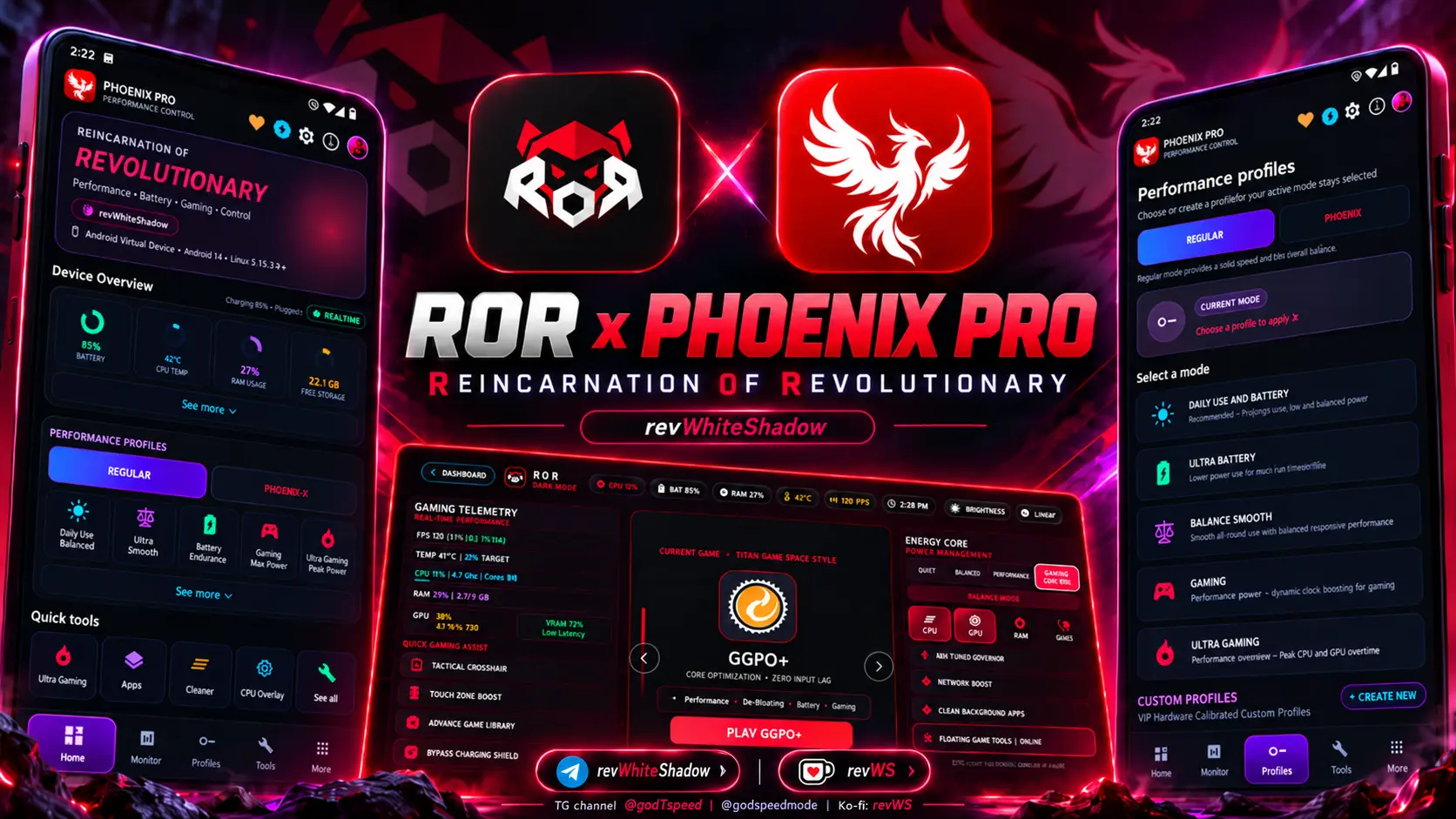
Looking for an Android game launcher with a built-in kernel manager? ROR (Reincarnation of Revolutionary) brings game organization, on-screen performance tools, device profiles and advanced system controls into one Android gaming app. Instead of switching between a game launcher, an FPS monitor and a separate tuning utility, ROR aims to make those tasks accessible from a single interface.
Information
- Name: ROR Android Game Launcher and Kernel Manager
- Author: revWhiteShadow
- Format: apk
- Size: 45.7 MB
- Version: version 51.4
- Web link
- Donate
- Support
- Minimum Magisk Version: Not specified
- Last Update: 2026-10-23
- Total Download: 2.5M
- Average Rating: ⭐⭐⭐⭐⭐
Download RoR
ROR is built around a console-inspired Game Space, a floating in-game tools panel and optional low-level controls for supported rooted devices. Its Phoenix Pro tier introduces extra gaming profiles and advanced configuration options. This guide covers what ROR offers, how its tools work, which features require root, and where to find the official project.
What Is ROR (Reincarnation of Revolutionary)?
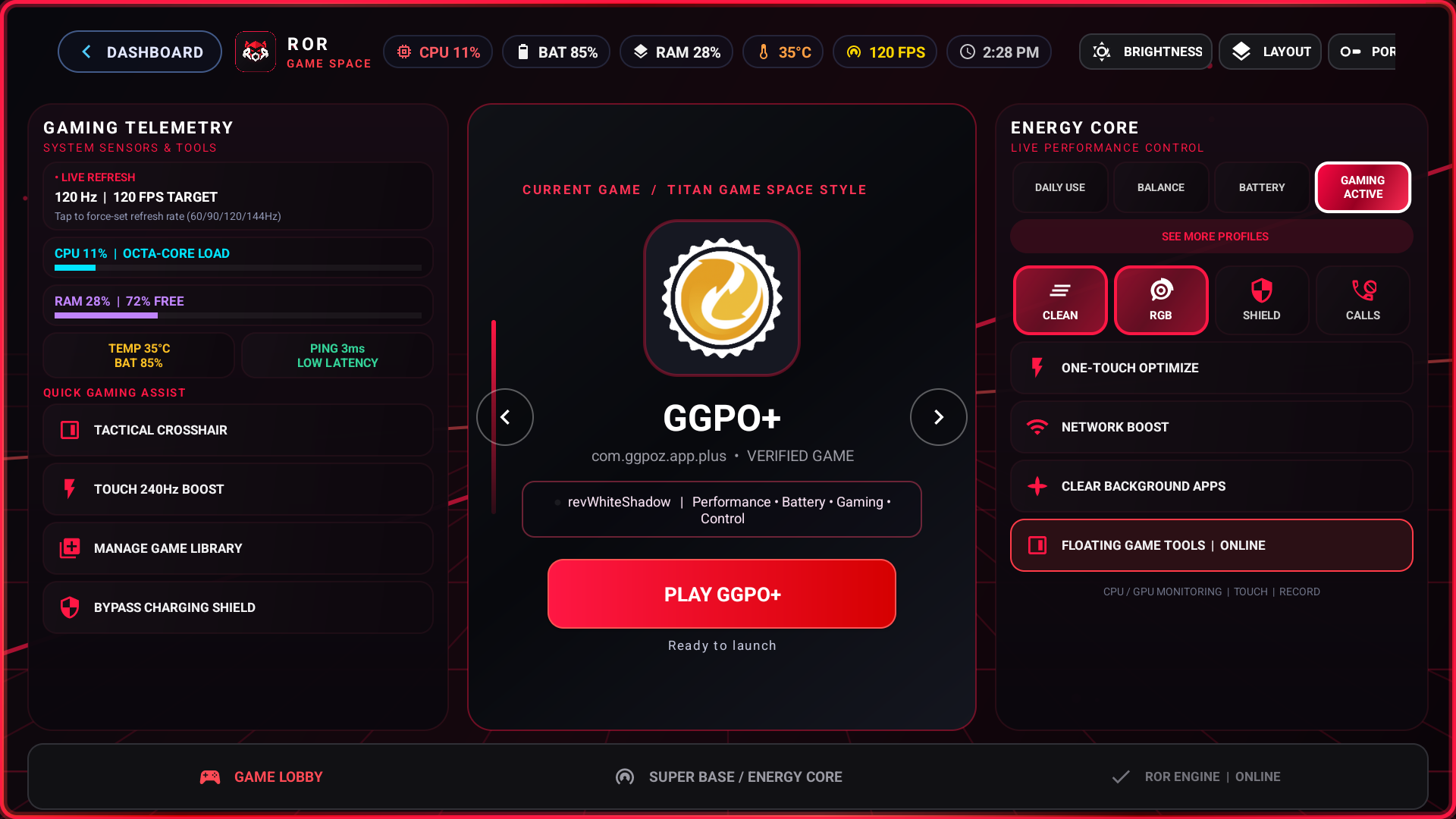
ROR is an Android gaming suite combining a game launcher, game booster interface and kernel management tools. Its Game Space presents installed games in a landscape-oriented layout, with shortcuts to monitoring and optimization controls. A floating bubble gives players access to selected tools without returning to the home screen.
The app is intended for people who want one place to organize games, check device activity and manage supported gaming settings. Its deeper CPU, GPU and Linux kernel options are aimed at users who already have compatible root access.
ROR is an Android app, not a standalone Magisk module. On devices with supported root solutions, it can make use of elevated access for certain system-level features.
Key ROR Android Gaming Features
The project’s feature documentation describes these major components:
- Landscape Game Space: A console-style Android game library with game launching and configurable layouts.
- Floating Gaming Bubble: Quick access to a retractable in-game panel, performance readings and selected shortcuts.
- FPS and Hardware Monitoring: On-screen information for supported frame-rate, CPU, GPU, battery and temperature readings.
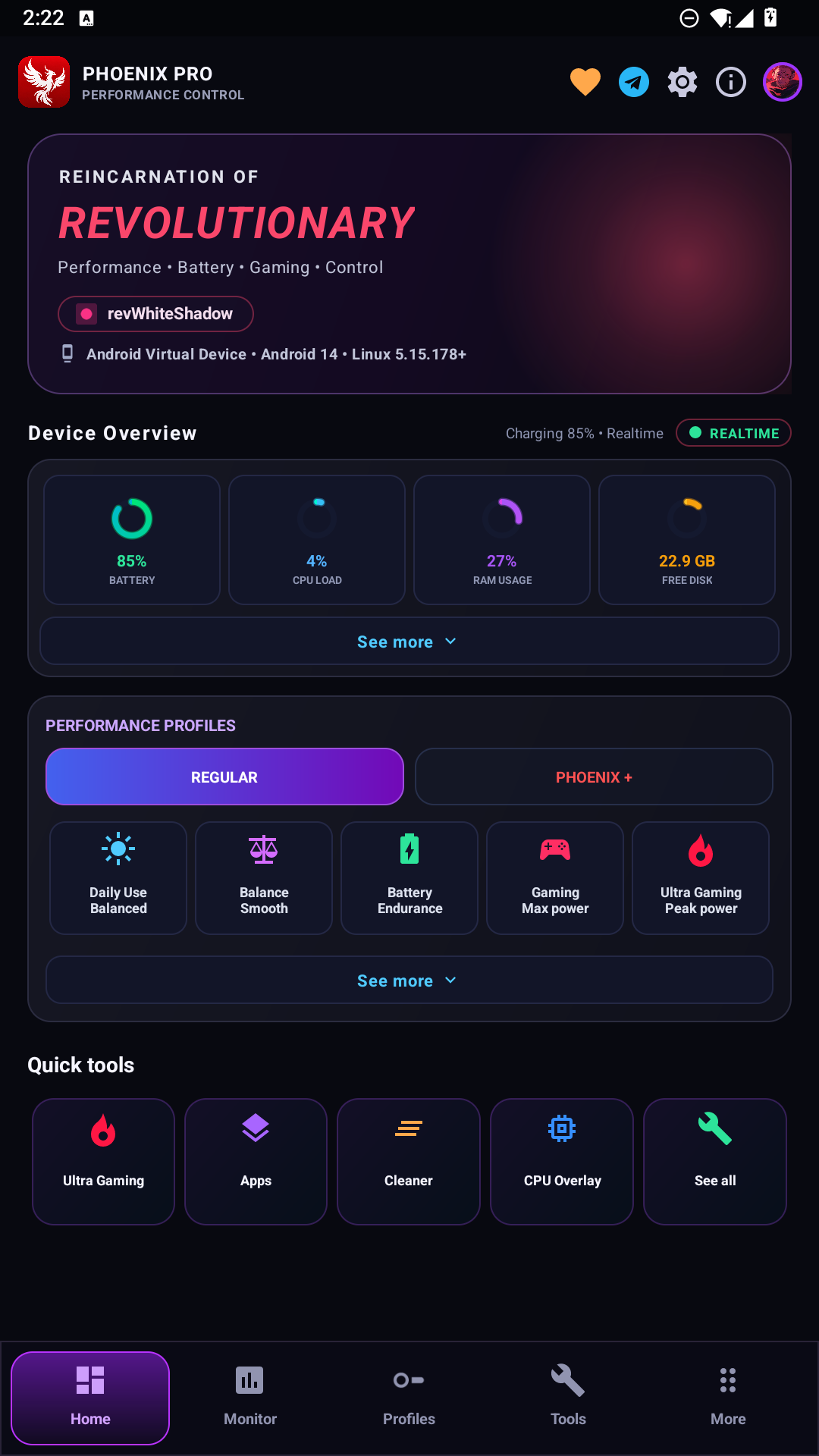
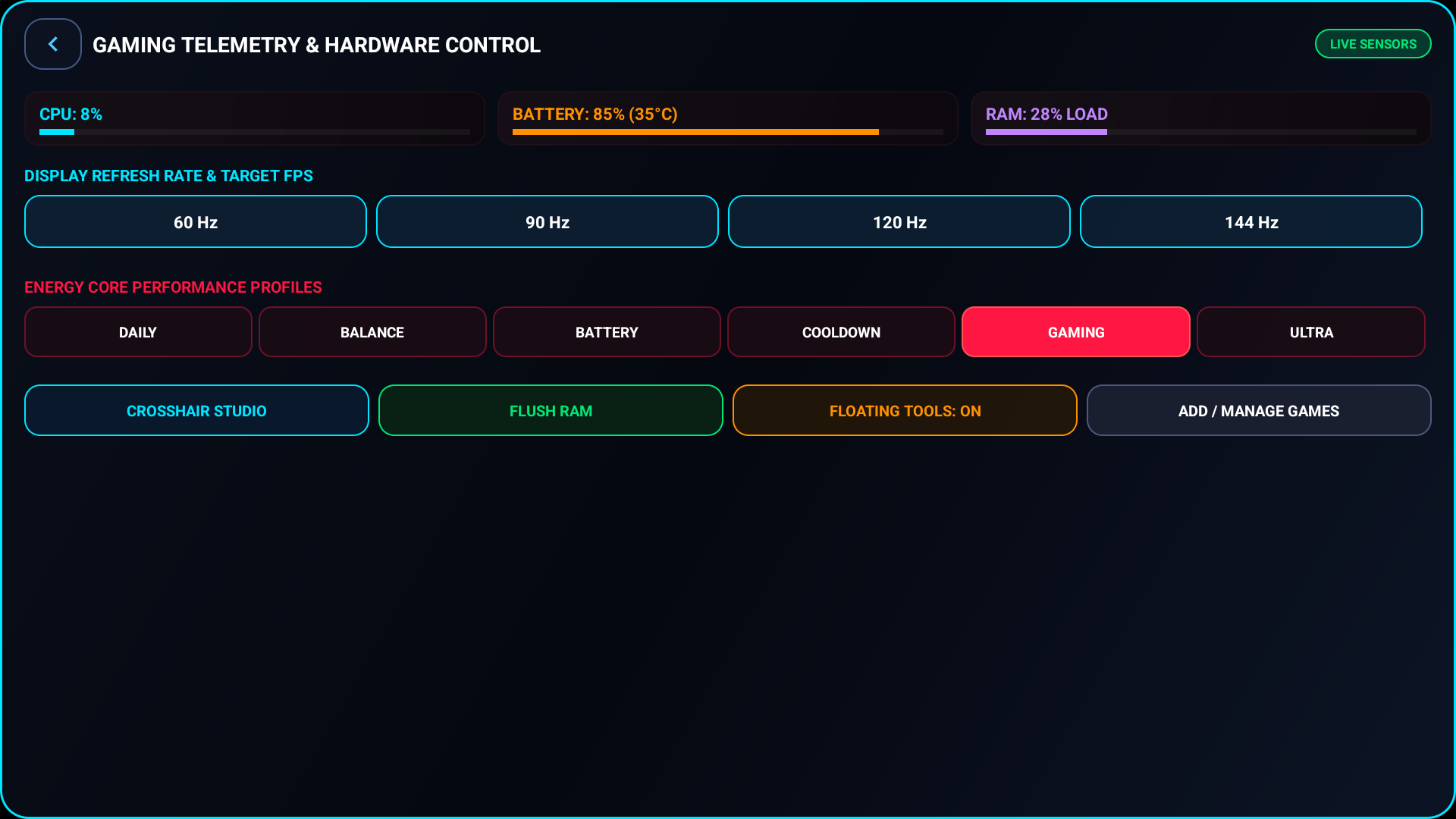
- Gaming Performance Profiles: Balanced, Gaming and battery-focused presets, with expanded options in Phoenix Pro.
- CPU and GPU Controls: Kernel governor and frequency-related settings on devices exposing compatible interfaces.
- Gyroscope and Touch Tools: Sensor-related adjustments and on-screen aiming aids, subject to device support and game rules.
- Charging and Temperature Tools: Charging-related controls where supported by the device’s kernel.
- Screen Recording: Gaming-focused capture tools using Android’s available recording capabilities.
Availability is not identical across Android phones. Several controls depend on the device manufacturer, kernel, Android version and permissions granted to ROR.
ROR Game Space: An Android Gaming Launcher
ROR Game Space is the app’s central gaming dashboard. Rather than presenting games as ordinary app icons, it uses a landscape-oriented console interface intended for quick access before a gaming session.
The project describes game detection, artwork presentation, custom layouts and per-game profiles. A player can use Game Space as a starting point for launching a title and accessing its available tuning options.
A useful distinction is that a launcher does not automatically increase FPS. Game Space organizes access to games and settings; any change in actual performance depends on what the underlying device and game allow.
Floating Game Tools and Real-Time Monitoring
ROR’s retractable floating bubble is meant to keep important controls close during play. The documented panel includes hardware monitoring, memory-related actions, crosshair controls and shortcuts to other gaming utilities.
For players searching for an Android FPS overlay or floating game tools, this is one of ROR’s main attractions. It provides a way to view supported readings without repeatedly switching apps. Overlay permissions may be needed, and some games restrict third-party overlays.
ROR Kernel Manager: CPU, GPU and System Settings
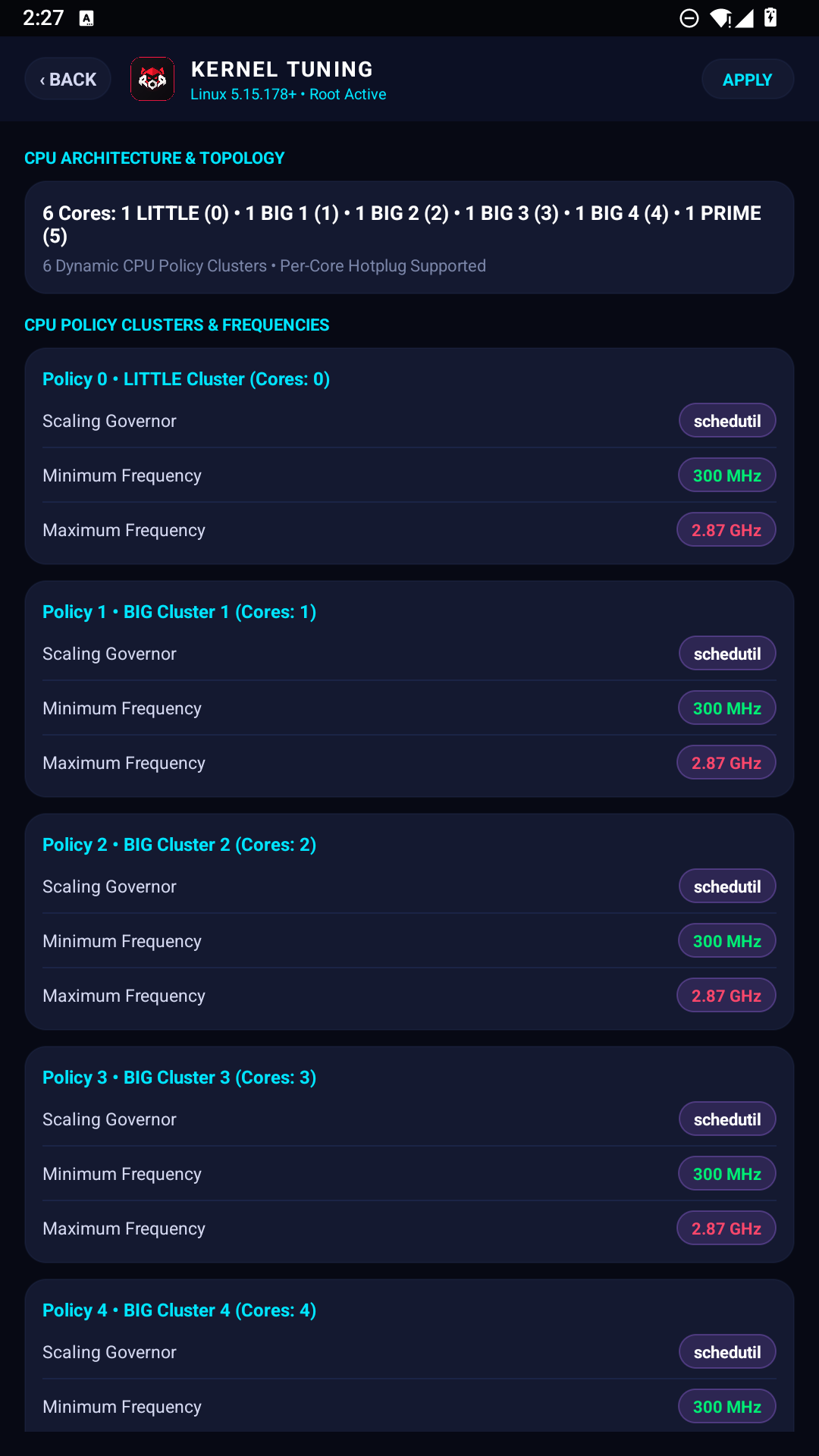
ROR goes beyond the usual game launcher by exposing kernel-related controls on supported devices. Its documentation references CPU governor selection, GPU frequency settings, storage I/O schedulers and Linux interfaces such as sysfs and procfs.
These controls are relevant to experienced Android users who want to inspect how their device handles performance and battery use. Their presence in the app does not mean every phone supports every adjustment. Manufacturers use different chipsets, kernel drivers and permission models.
Changing a CPU governor or GPU setting can affect responsiveness, battery use, temperature and stability. A higher frequency setting is not guaranteed to produce better sustained game performance, especially on phones that are already temperature-limited.
Does ROR Require Magisk or Root?
Basic ROR features are intended to work without root, including the Game Space interface and certain overlays. The project describes optional Shizuku integration for supported elevated Android operations.
Direct kernel changes typically require root access and compatible kernel interfaces. The documentation references root environments such as Magisk, KernelSU and APatch, but each device and Android build can expose a different set of working controls.
If you only want an Android gaming launcher and a floating performance panel, root may not be necessary. If you want direct CPU or GPU tuning, check your exact device and kernel compatibility before relying on those features.
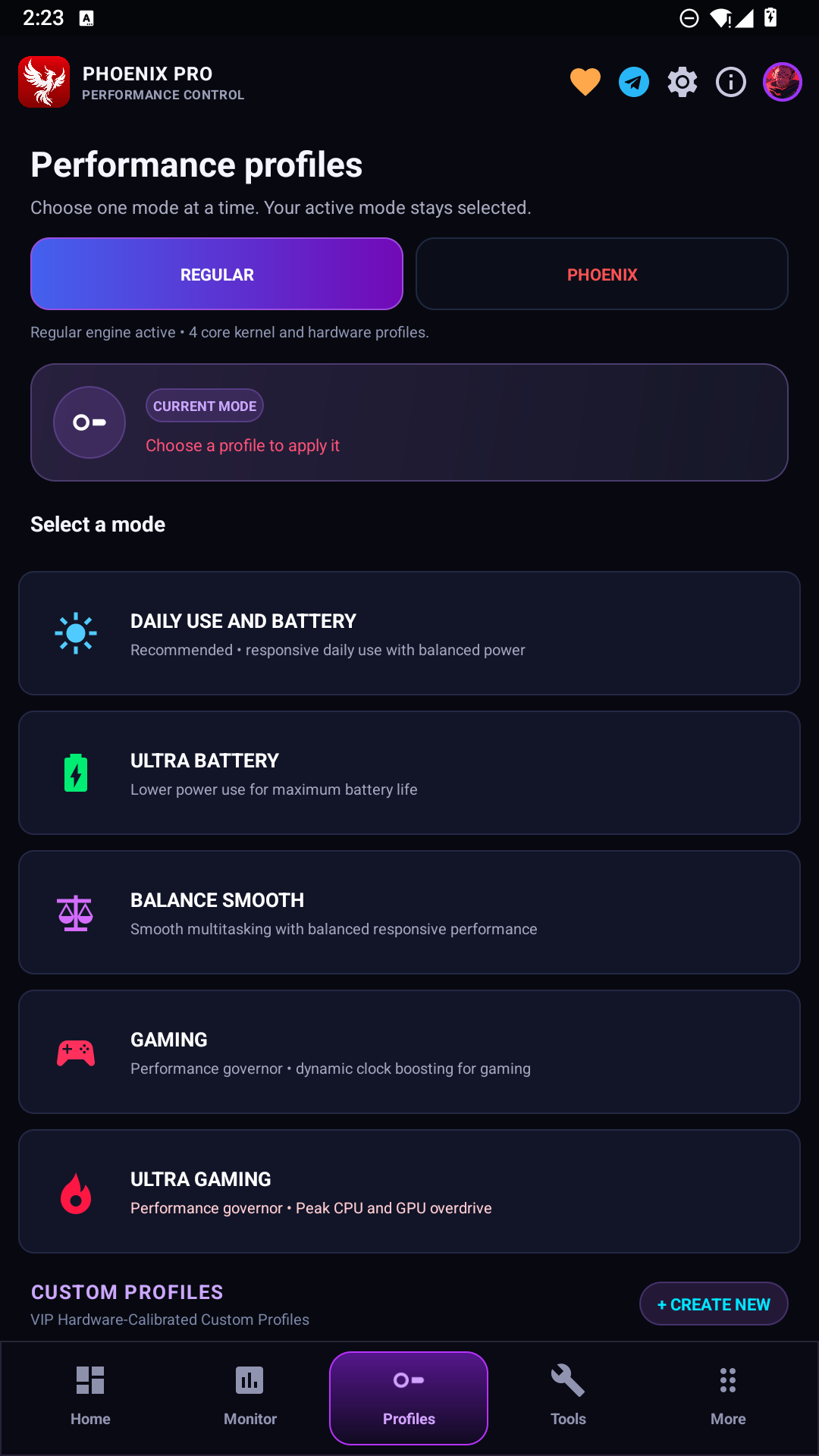
Phoenix Pro: ROR’s Advanced Gaming Profiles
Phoenix Pro is the project’s expanded feature tier. The source documentation describes more detailed gaming profiles and extra controls for CPU scheduling, GPU settings, background activity and charging behavior.
The standard experience centers on Game Space, monitoring and common gaming presets. Phoenix Pro is intended for users seeking finer control over supported hardware settings.
The names of profiles and their availability may change between releases. A profile labeled for high performance cannot override a game’s frame-rate cap or guarantee stable 90 FPS, 120 FPS or 144 FPS on unsupported hardware.
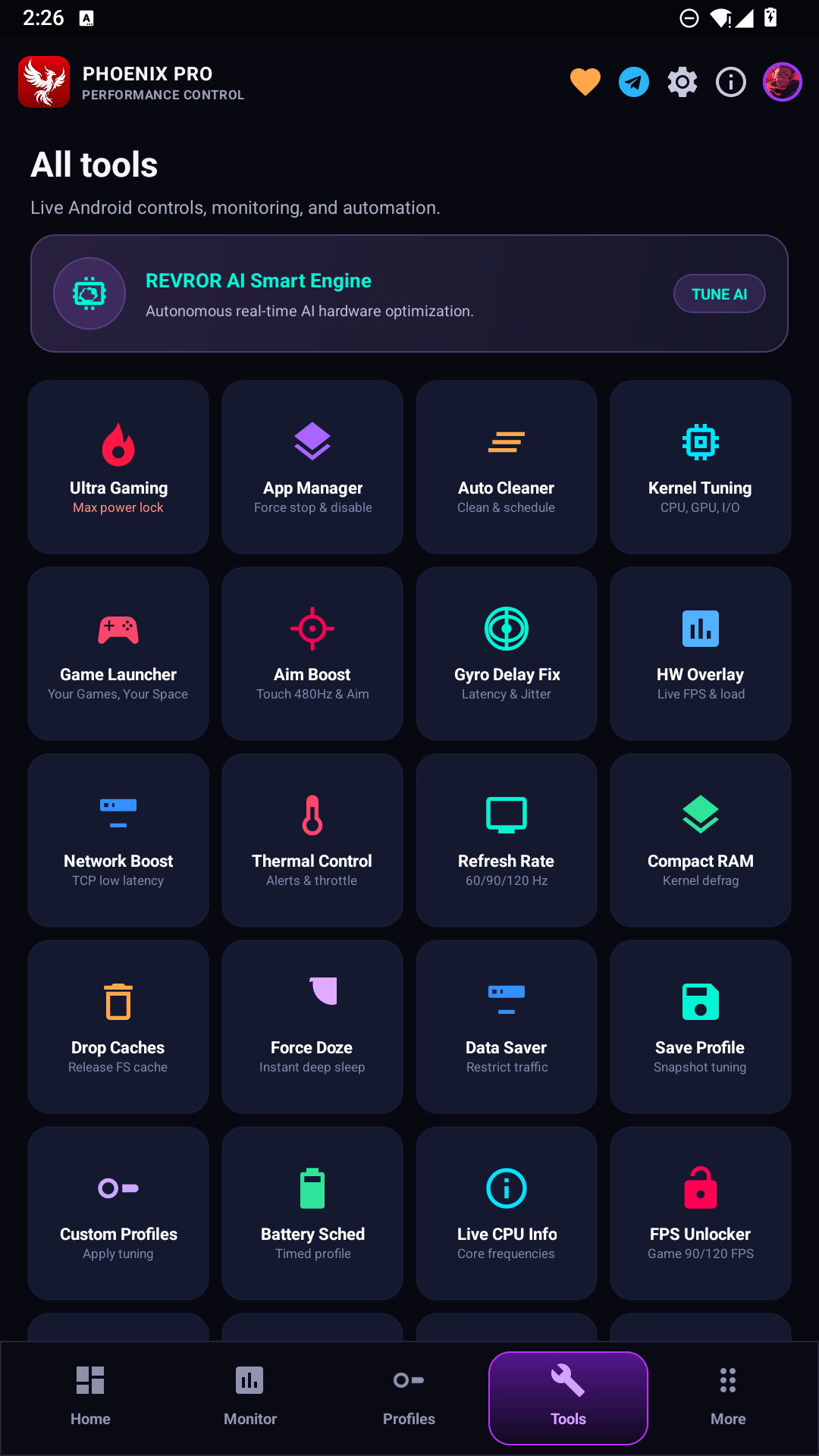
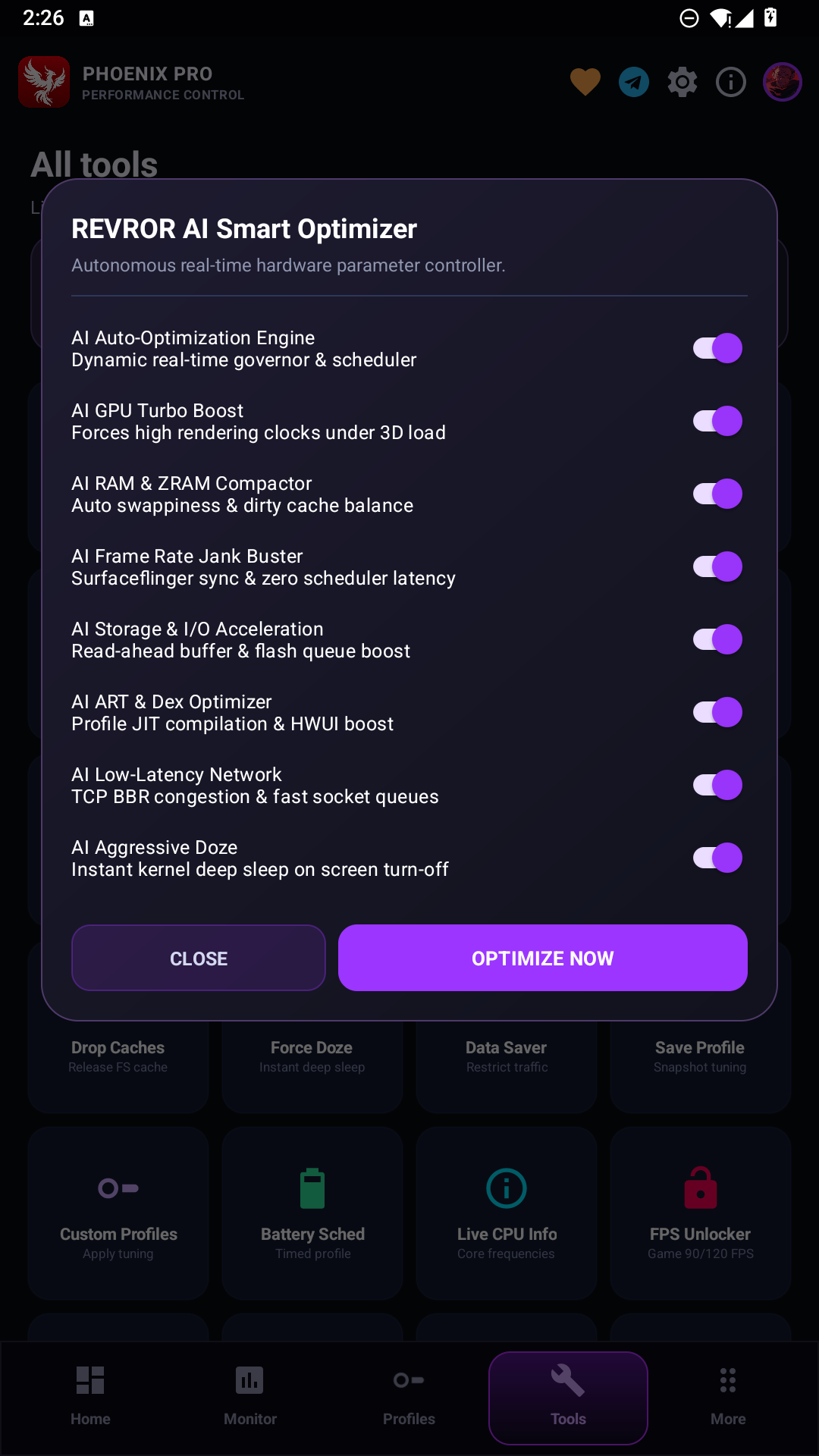
REVROR AI Smart Optimizer Interface
The official ROR screenshot collection includes a REVROR AI Smart Optimizer panel with toggles for GPU, RAM, frame pacing, storage, networking and other system settings. These are interface options shown in the project materials, not independent evidence of a measured performance gain.
Gyro Delay Fix, Aim Tools and Screen Recorder
ROR’s gaming toolkit includes a Gyro Delay Fix feature intended to address sensor responsiveness on compatible devices. Actual improvement depends on the sensor hardware, Android’s input pipeline and the game’s own handling of motion controls.
Its Aim Boost area is described as providing on-screen reticles and related controls. These should be distinguished from guaranteed improvements in aiming accuracy. Players should check the rules of any competitive game before enabling overlays or input-related modifications.
The project describes an Esports Screen Recorder built around Android’s hardware-supported video encoding. Recording quality and available frame rates depend on the device, encoder support and system load.
ROR Android Compatibility
ROR’s documentation lists Android 10 through Android 17 as its intended operating-system range, with root and non-root operation paths. This is a project-stated target, not a verified guarantee that every feature works on every version.
The project discusses support across Qualcomm Snapdragon, MediaTek Dimensity, Google Tensor and other Android hardware. The exact experience can differ between stock Android, custom ROMs and manufacturer firmware.
Before relying on a particular feature, check whether your phone exposes the required sensor, display setting, charging switch or kernel interface. Android version compatibility and hardware-feature compatibility are separate questions.
Can ROR Increase Android Gaming FPS?
ROR offers monitoring and tuning options that may help on devices where default settings are limiting performance. Yet an FPS result depends on the game engine, refresh-rate support, temperature, background load, graphics settings and available hardware resources.
The supplied project article includes performance benchmark figures, but it does not provide enough reproducible test detail to treat those numbers as independently confirmed results. For that reason, there is no universal percentage improvement to promise.
The most useful approach is to compare a game on the same phone under similar settings before and after enabling a supported profile. Look at frame-rate consistency, device temperature and battery use rather than average FPS alone.
Is ROR Safe to Use?
ROR’s ordinary launcher functions and overlays have a different risk profile from direct kernel changes. Kernel controls can alter device behavior, and unsupported settings may lead to instability, increased heat or faster battery drain.
For root-level features, review the project’s current documentation, preserve a known-good configuration and avoid disabling device safety protections. Charging-related and temperature-related options should only be used where the hardware and kernel support them.
Competitive game rules can restrict certain overlays and system modifications. ROR’s description alone cannot guarantee that every feature is accepted by every game’s anti-cheat system.
More Official ROR Screenshots
The following images come directly from the public ROR GitHub screenshot directory. Some repository files show similar interface states, so they are linked here rather than displaying repeated full-size images in the article.
- Phoenix home screen screenshot
- Phoenix performance profiles screenshot
- Charging cooldown screenshot file (currently shows system telemetry)
- Crosshair armory screenshot file (currently shows Game Space controls)
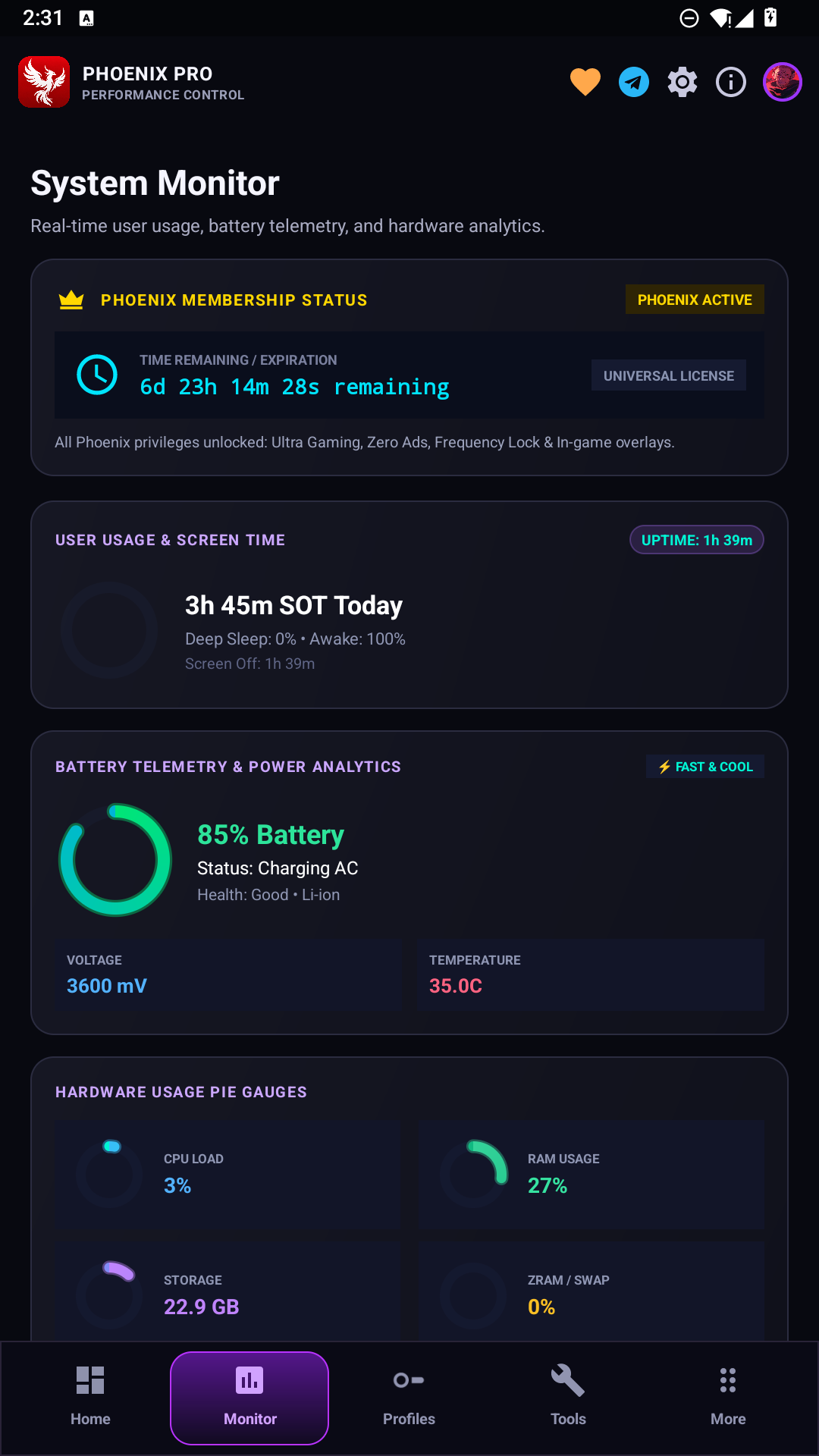
- Settings screenshot file (currently shows the system monitor)
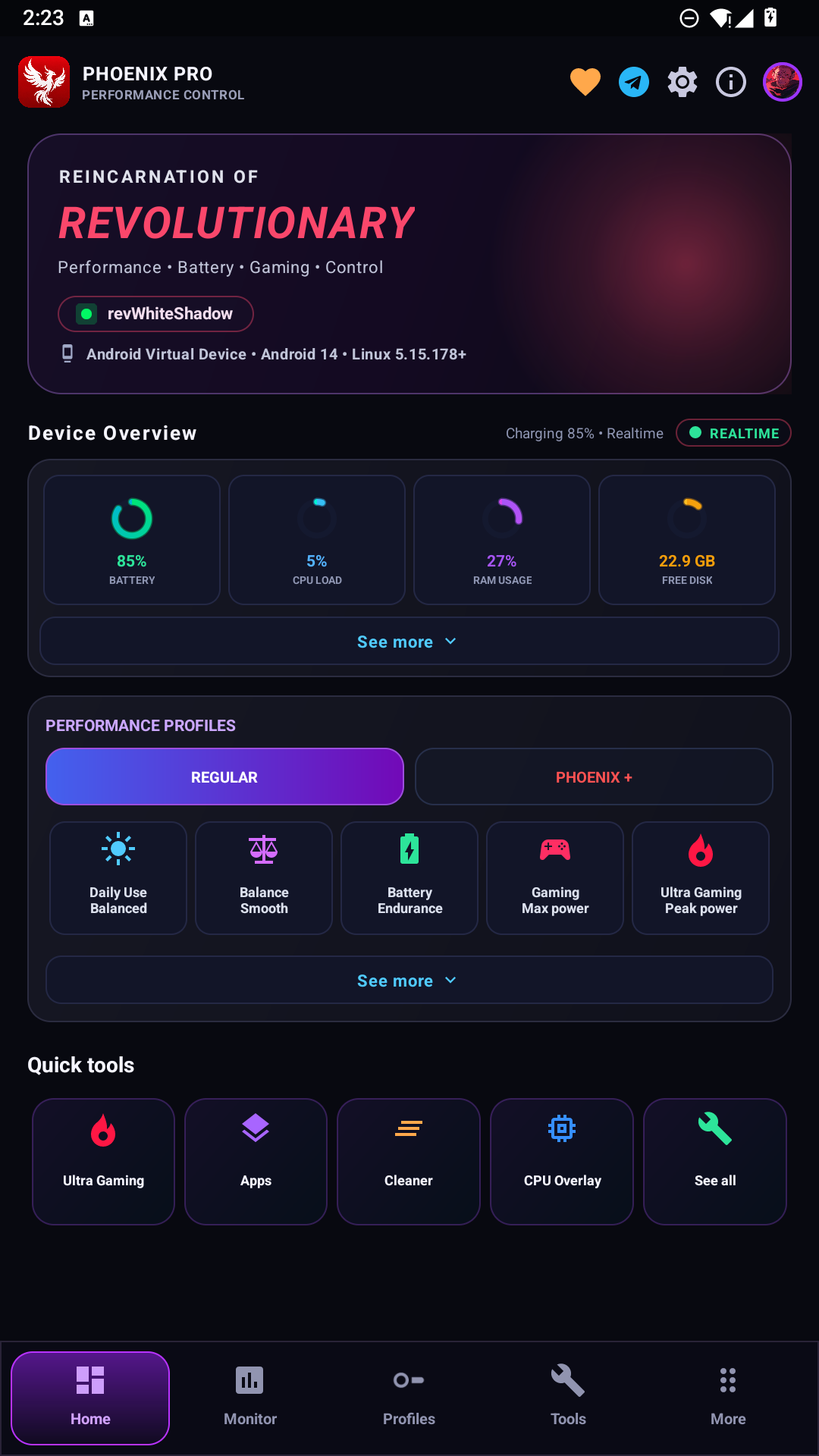
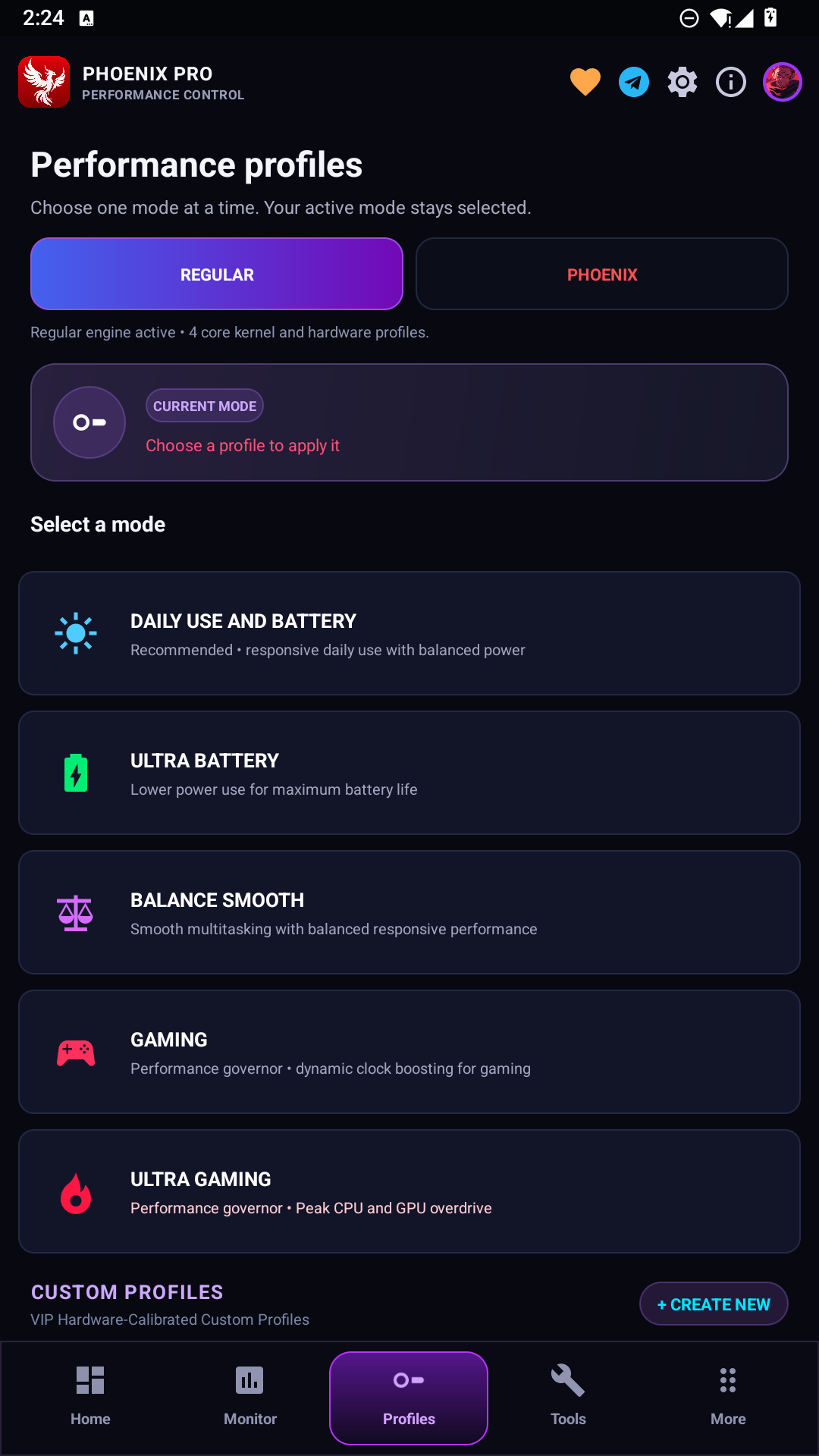
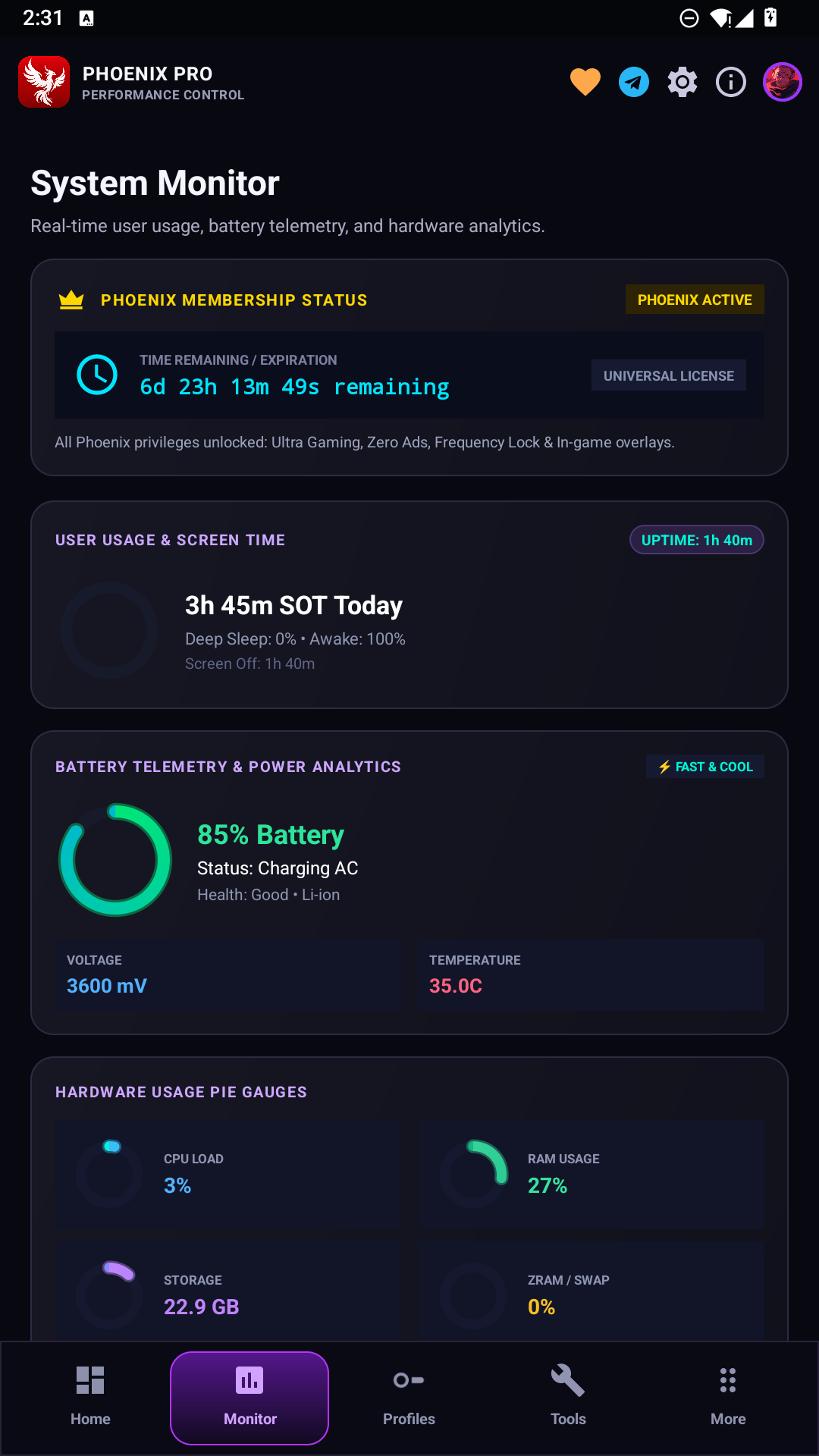
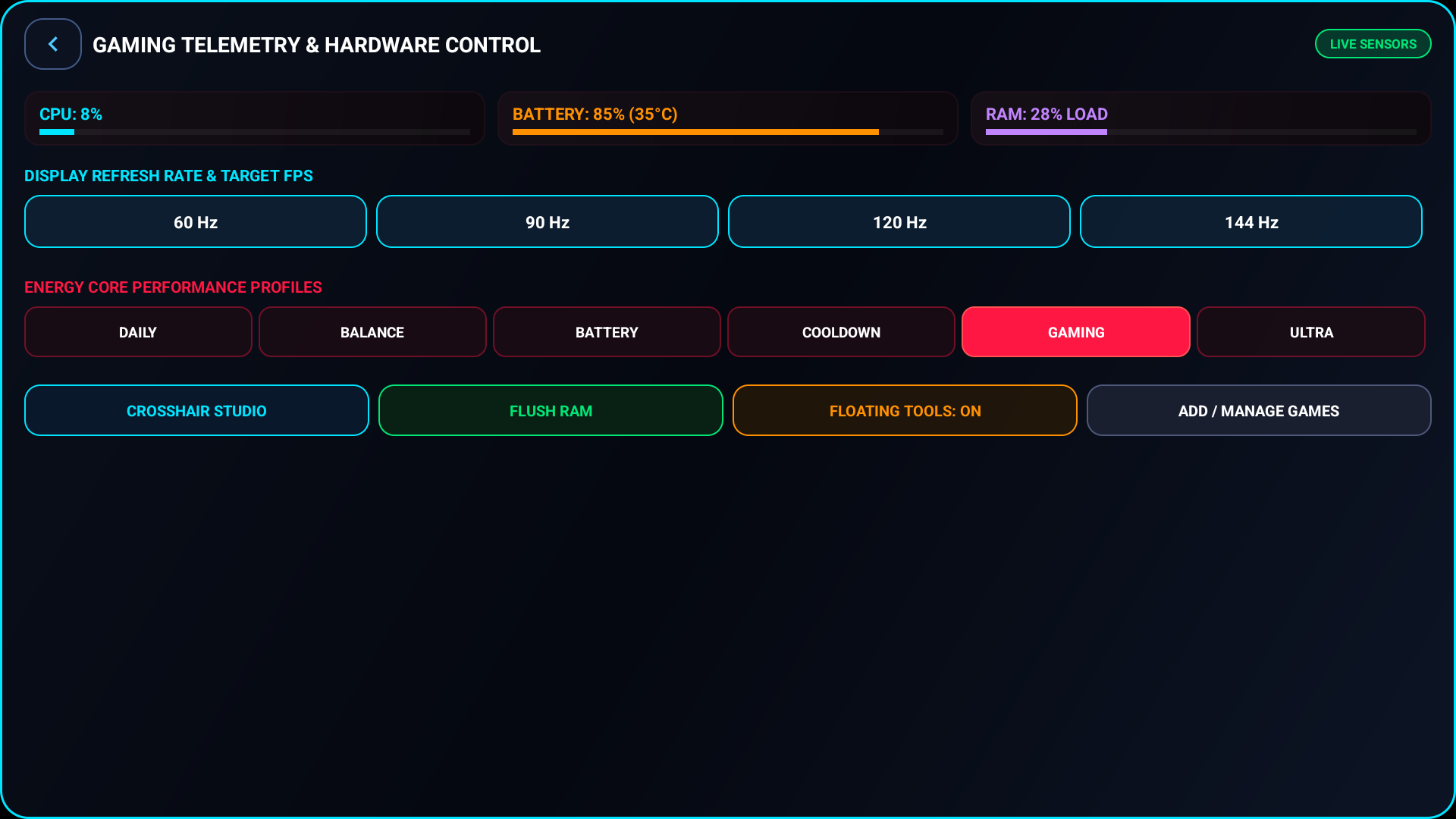
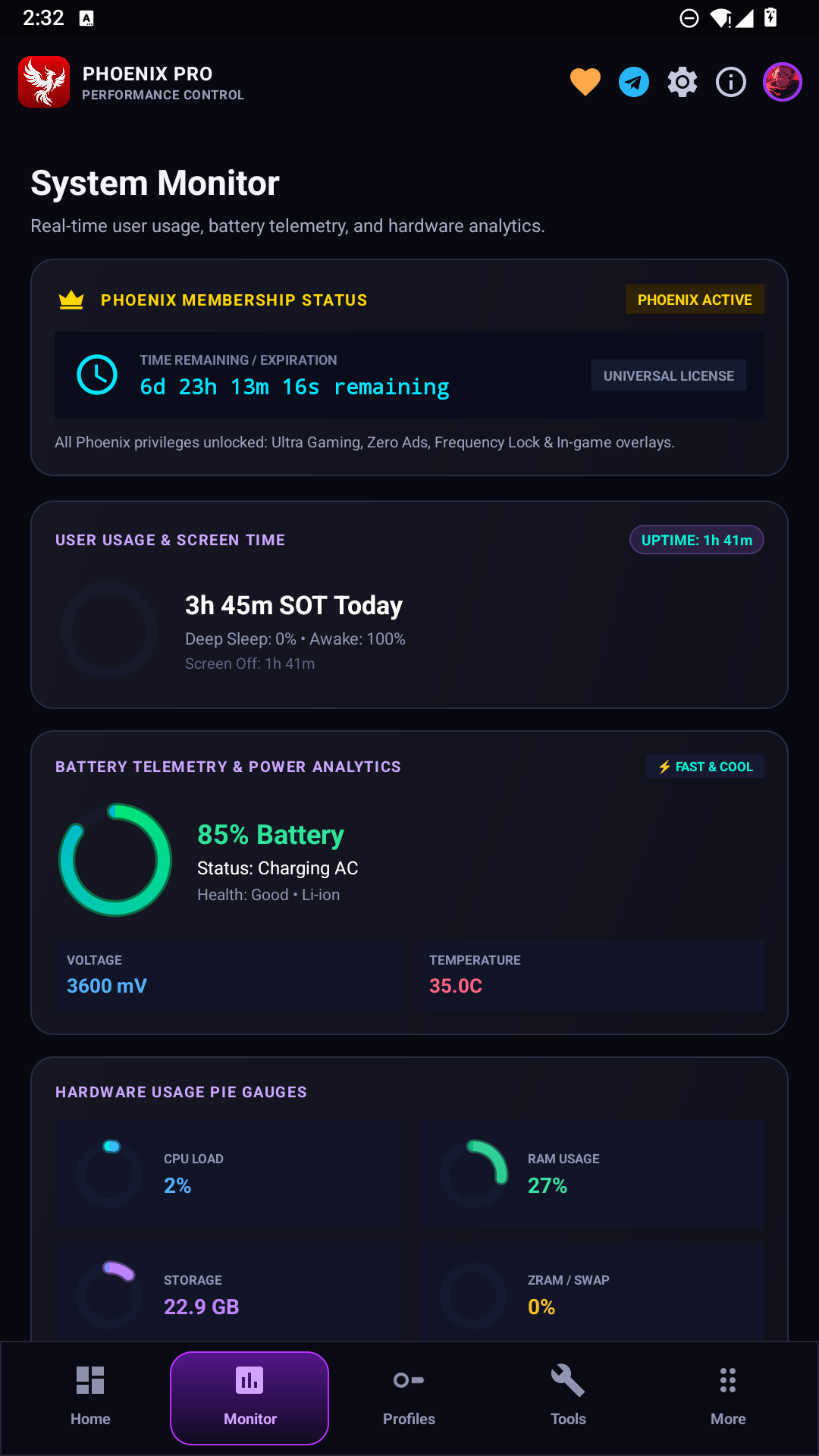
All screenshots and logos remain hosted by the project repository. Image availability can change if the upstream files are renamed, moved or deleted.
ROR Download and Official GitHub Repository
Use the official project links to check available builds, source information and release notes:
Official ROR GitHub: github.com/revws/ror
Experimental ROR Repository: github.com/revws/rorexp
ROR Telegram Community: t.me/revws_chat
ROR Announcements: t.me/revws_official
The main repository is the best starting point for current project information. Experimental builds may contain unfinished changes. Check the repository’s release instructions and any device-specific notes before installing.
Frequently Asked Questions About ROR
Is ROR a free Android game booster?
ROR’s documentation describes a standard tier and a separate Phoenix Pro tier. Check the current official repository for the features and access terms of each release.
Is ROR a Magisk module?
No. ROR is presented as an Android game launcher and kernel manager app. Some advanced operations can use root access provided by a supported solution such as Magisk.
Can I use ROR without rooting my Android phone?
The project describes non-root support for Game Space, the floating panel and selected monitoring or overlay features. Kernel-level options require compatible elevated access.
Does ROR work with Snapdragon and MediaTek phones?
Both chip families appear in the project’s compatibility plans. Feature availability depends on the exact device, Android build and kernel implementation.
Does ROR unlock 120 FPS or 144 FPS in every game?
No. The game’s own frame-rate limits, display capabilities and device firmware still apply. A performance profile cannot guarantee an unsupported frame rate.
Where can I get official ROR updates?
Start with the ROR GitHub repository and its published release information. For development experiments, see the separate ROR experimental repository.
Final Thoughts
ROR combines an Android Game Space launcher, floating gaming controls, performance monitoring and optional kernel management in a single project. Its clearest benefit is convenient access to different gaming tools, with Phoenix Pro extending the available configuration options for supported devices.
If you are searching for a ROR APK, Android game launcher with FPS monitor, or Android kernel manager for gaming, begin with the official GitHub project, review your device’s compatibility and choose features that match your hardware.